

Create in 3D with AI
Popular scenes
Loading community scenes
Create with Agent
Start with an idea. See it take shape.
Create objects, scenes and animations with Agent, then refine them in the editor.
A character. A place. A whole story.
Bring objects, materials and light together into something with a personality of its own.
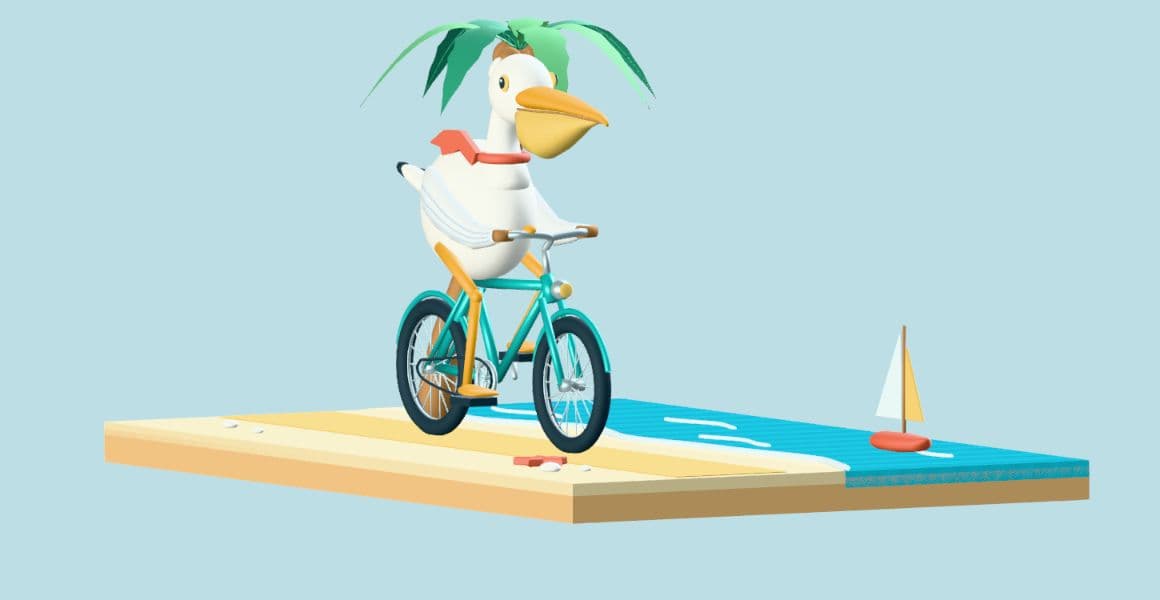
Community creation · Pelican rider by the sea · by 蔷薇
Explore this scene: Pelican rider by the sea (opens in a new tab)Build a home. Make it your own.
Describe the rooms, furniture and finishes. Build a furnished scene with Agent, then keep shaping it as your idea evolves.
Ask Agent to move an object or change a material. Use the modeling tools whenever you want to work directly.
How Agent works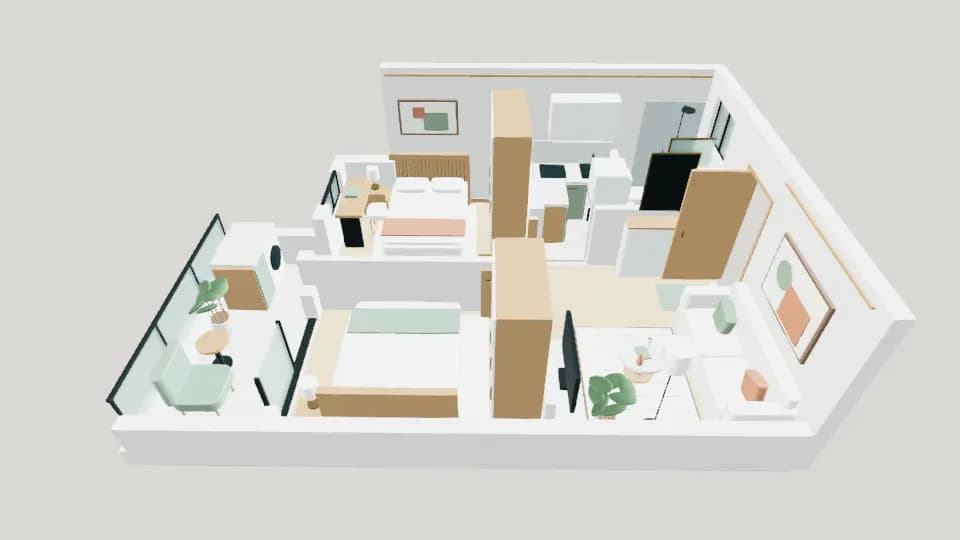
Community creation · Cream and wood apartment · by 蔷薇
Explore this scene: Cream and wood apartment (opens in a new tab)Your coding assistant. Your 3D workspace.
Connect Codex to an authorized Show3D scene. Inspect objects, build models and make changes where you can see them.
Connect Codex to Show3DText or image to 3D
Your idea. In three dimensions.
Describe the object, its materials and the details that matter. Generate a starting point for your scene, product concept or game prop. You can also begin with an image.
The generated result
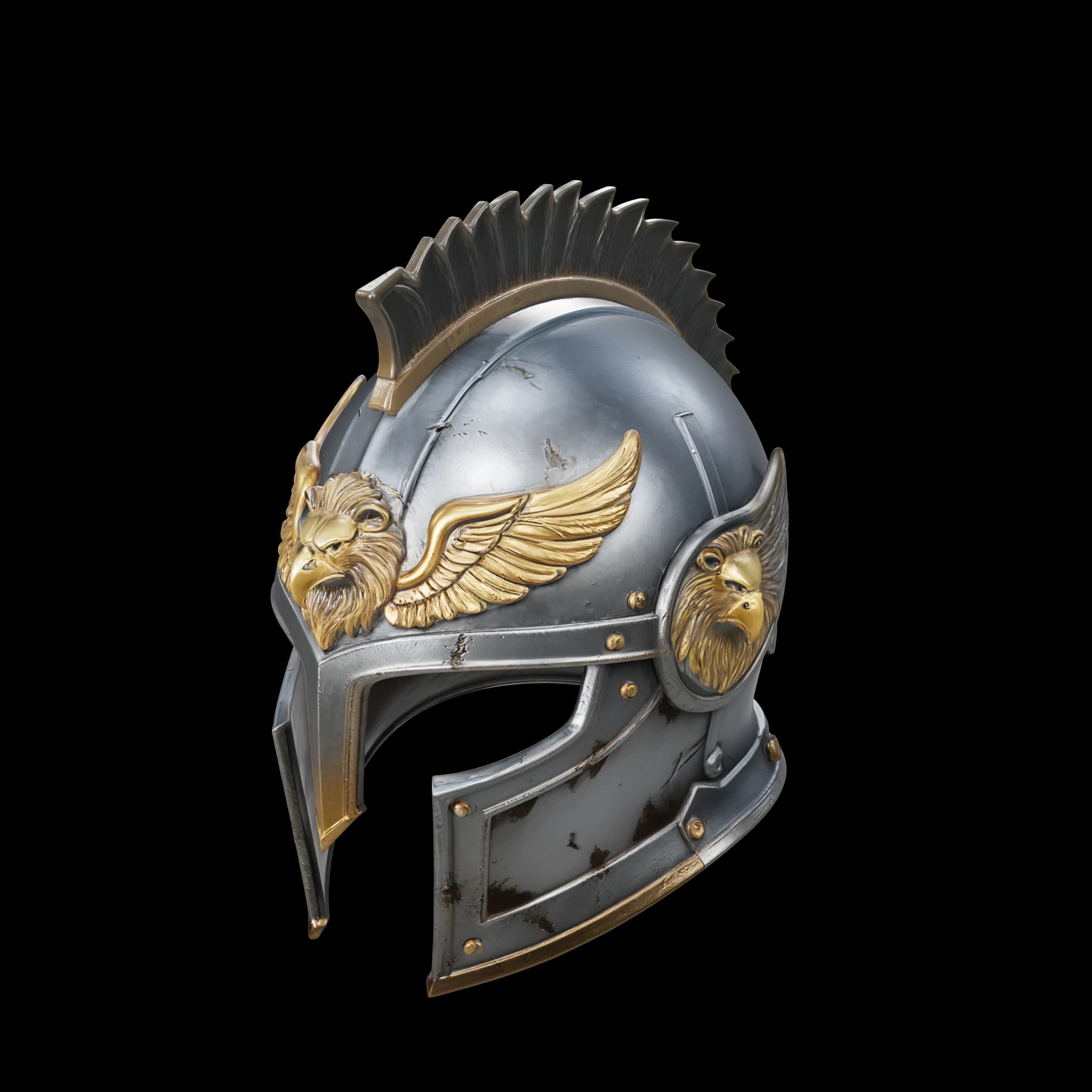
Submitted prompt · English translation
A griffin knight’s helmet
A fantasy griffin knight’s helmet with a complete, substantial dark silver steel shell and a clear T-shaped eye opening. Brass griffin-wing reliefs on the forehead and cheeks, with a low crest integrated into the helmet.
Fine wear along the metal edges and natural dark aging in the grooves. A detailed, realistic game-prop style.
One helmet on its own, compact construction, balanced left and right outlines, and a natural interior opening.
Read the original Chinese prompt
一顶奇幻狮鹫骑士头盔,完整厚实的暗银色钢制盔体,正面有清晰的T形眼部开口,额头和两颊带有黄铜狮鹫羽翼浮雕,顶部是一条与盔体连成整体的低矮脊冠。金属边缘有细小磨损,凹槽中有自然的深色旧化,整体为精致写实的游戏道具风格。单独一顶头盔,结构紧凑,左右轮廓均衡,内部开口自然。
The same model, beyond the first view.
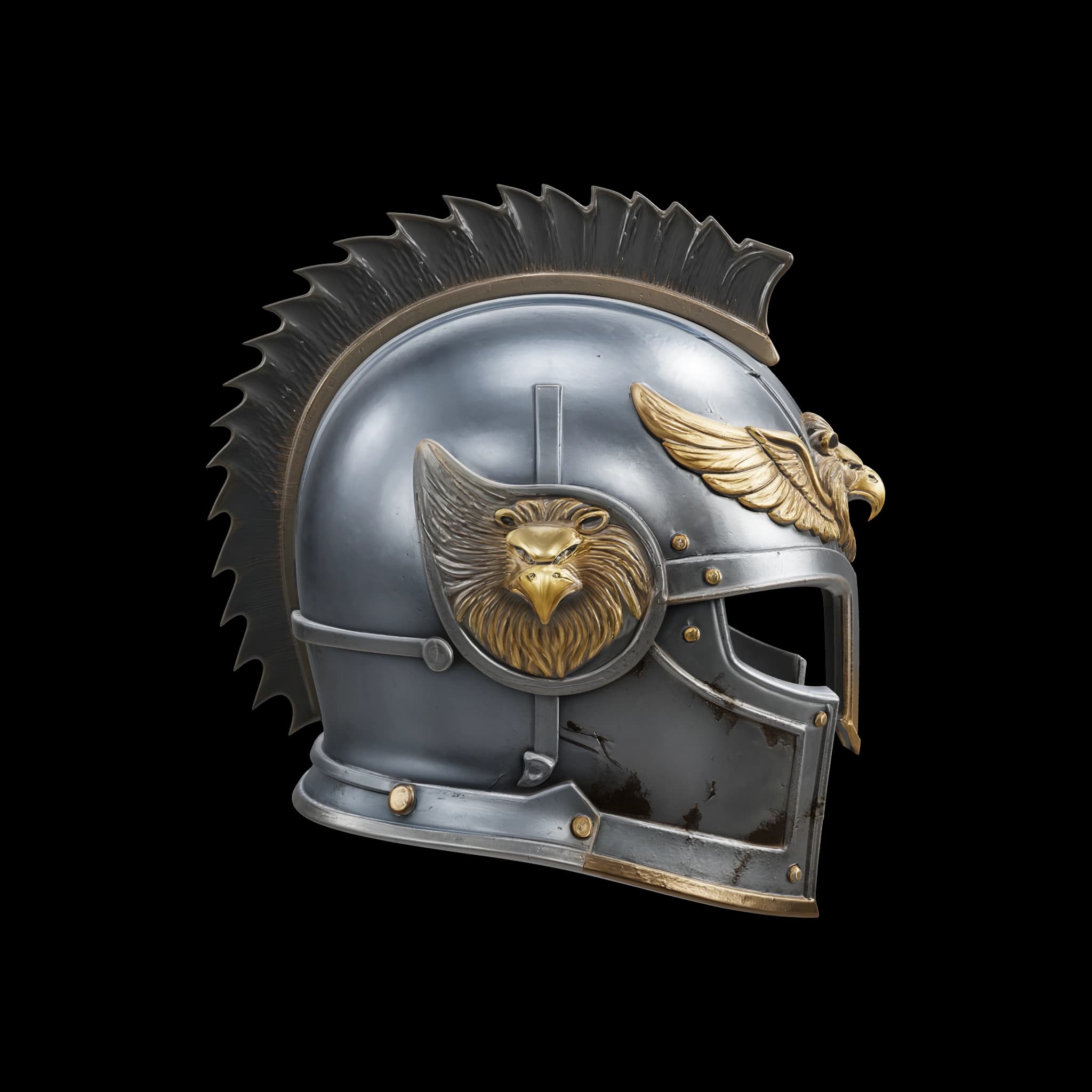
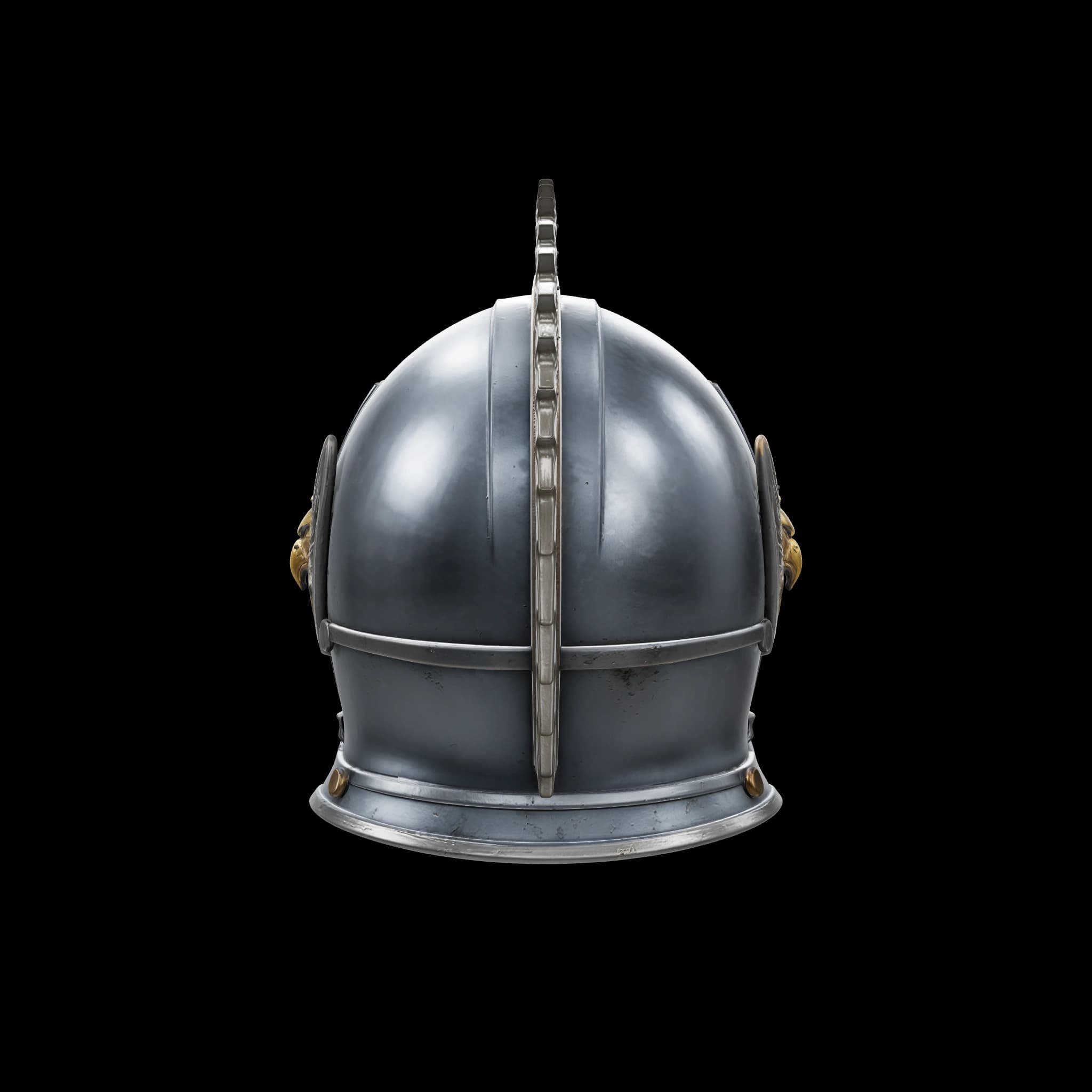
Three views of the same generated model. Original geometry and textures, with presentation lighting.
Retexture & materials
One ring. Three different looks.
Describe a new surface style. AI Retexture generates a new result from an existing model. Here are two alternatives for this ring.
Source model
Created with Text to 3D
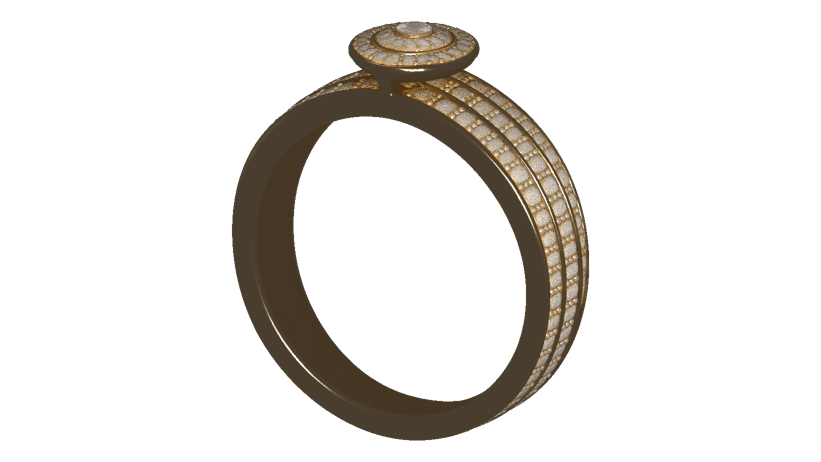
Two AI Retexture results
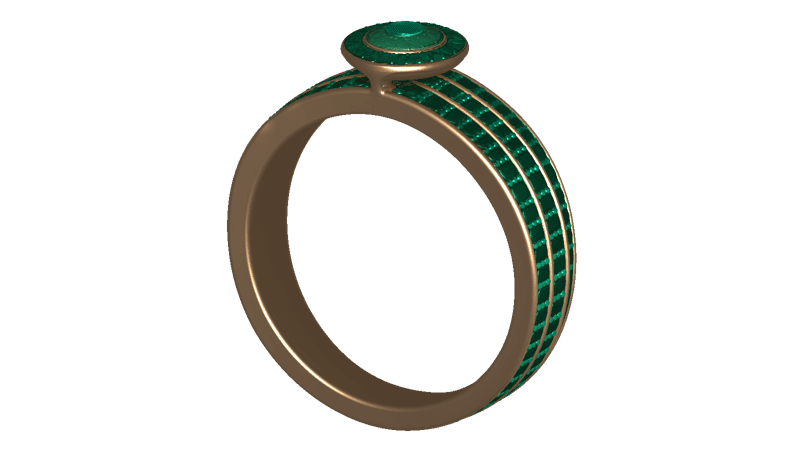
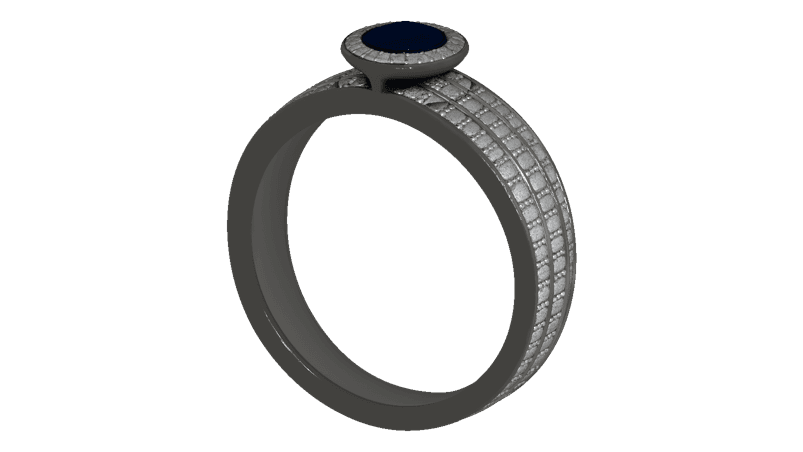
Original and retexture results from the creator’s asset library.
The green result, up close.
Green panels, warm metal tones and small bright accents—from the same result above.
AI Retexture guideFine-tune the surface yourself.
Work directly with materials in the editor, from the overall finish to a painted detail.
Materials guideSet the finish.
Start with a material preset. Adjust color, roughness and metalness to shape how the surface responds to light.
Material controlsPlace the pattern.
Adjust the scale, rotation and offset of existing texture maps to fit your surface.
Texture placementPaint a detail.
Brush color onto a compatible mesh. Adjust brush size, opacity and hardness as you work.
Surface paintingAnimate your scene
Parts become a performance.
Make movement part of the design. Coordinate objects on a timeline, preview the sequence, and adjust the timing.
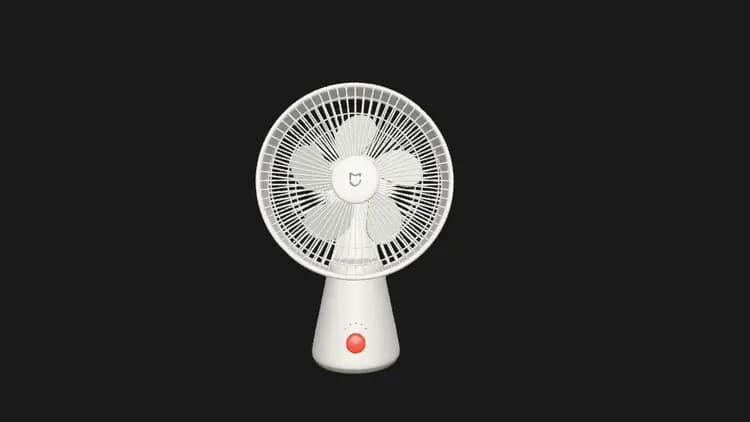
8 animation tracks · 16-second sequence
Movement, in sync.
- Blades turn
- Buttons press
- Indicators change
Play the saved animation, or drag the timeline to inspect a moment.
Actual community scene and exported animation · by 飞翔
Open the original animation (opens in a new tab)Present, save & export
Made to be seen.
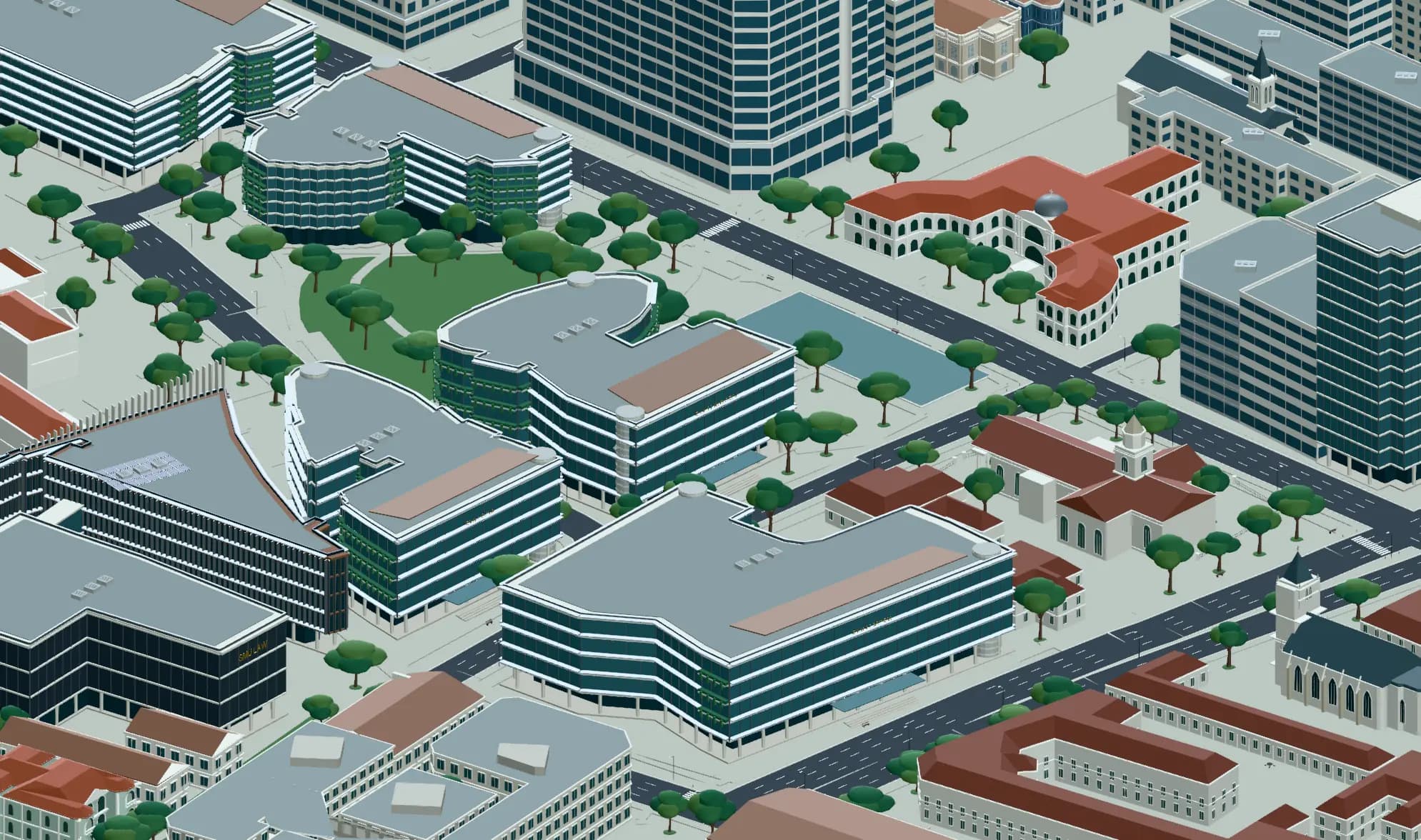
Frame the finished scene. Set the view and lighting, then save your work, capture an image or export the model.
Keep creating
Sign in, let changes save automatically, and reopen your scene from My work.
Export the model
Choose a format for your next 3D tool, with supported geometry, materials and animation.
A clear place to start.
Choose your first step, understand the next one, and find a guide when you need it.
Start with an idea: ask Agent to build a scene, or generate an asset from text or an image. To learn the hands-on tools, follow the Modeling essentials path with current guides and related lessons.
What will you make next?
Open Show3D. See where it takes you.